How to remix a free Framer template and make it yours (step by step)
A beginner-friendly walkthrough: copy a free Framer template into your account, swap in your brand and content, and publish it live, without writing code.
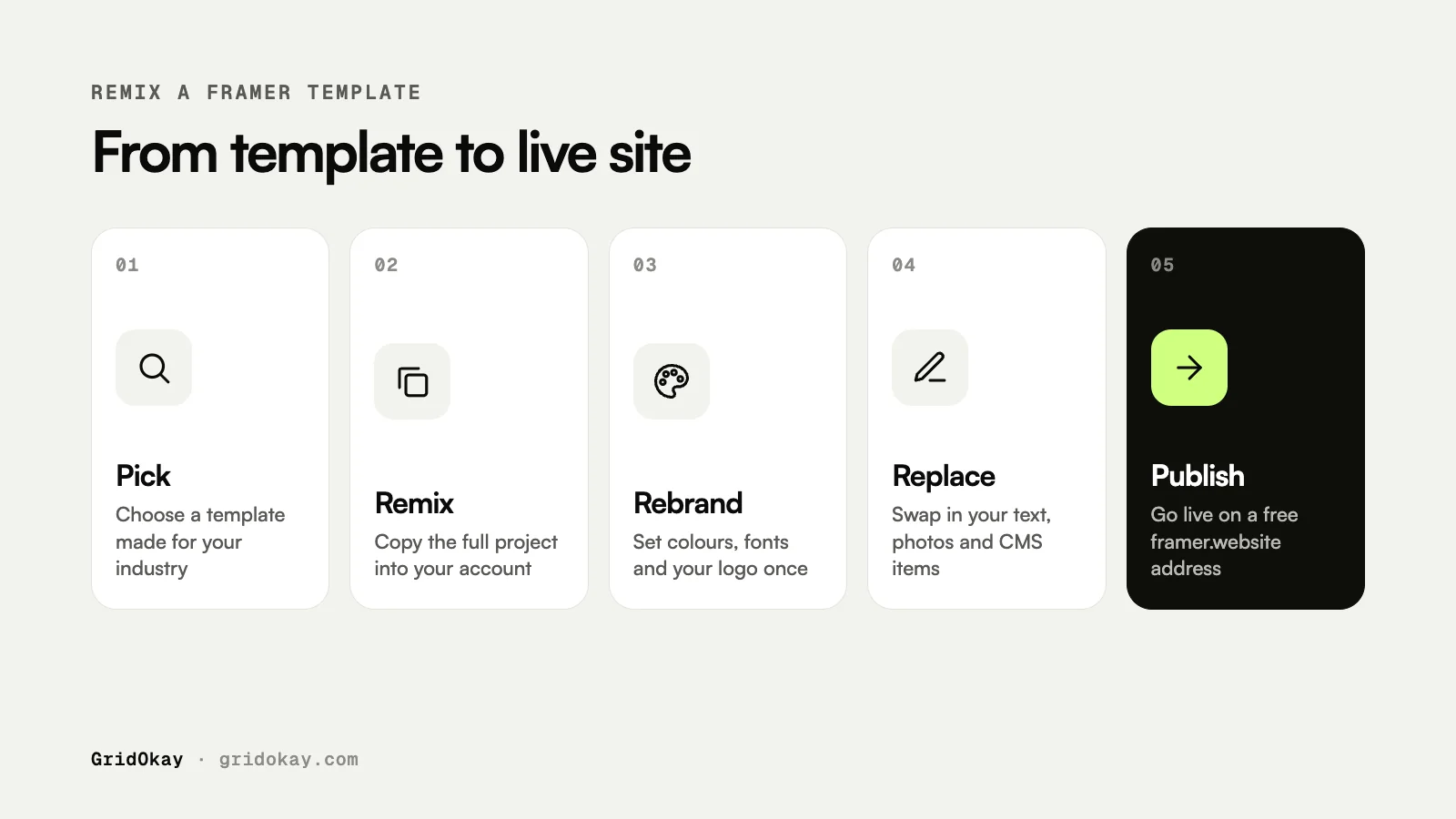
To remix a free Framer template, open the template’s page on the Framer Marketplace, click Remix, and Framer copies the whole project into your own account. From there you change the colours, fonts, text and images, and click Publish to put it live on a free framer.website address. The whole process can take less than an afternoon.
Remixing is the fastest way to get a professional website without starting from a blank canvas. This guide walks through every step, using our free templates as examples.
What you need before you start
- A free Framer account. You can sign up with an email address or Google.
- Your logo, ideally as an SVG or a PNG with a transparent background.
- Your text for the main pages: what you do, who it is for, and how to contact you.
- A few good photos. Your own photos always beat stock images.
Having your content ready is what makes a fast launch possible. Design decisions are much easier when you can see your real words on the page.
Step 1: pick the right template
Choose a template built for your type of business, so most sections already fit. Open the live preview and click through every page on desktop and on your phone. Check that it includes the pages you need, such as contact, legal pages and a 404 page.
Our free templates cover three very different industries:
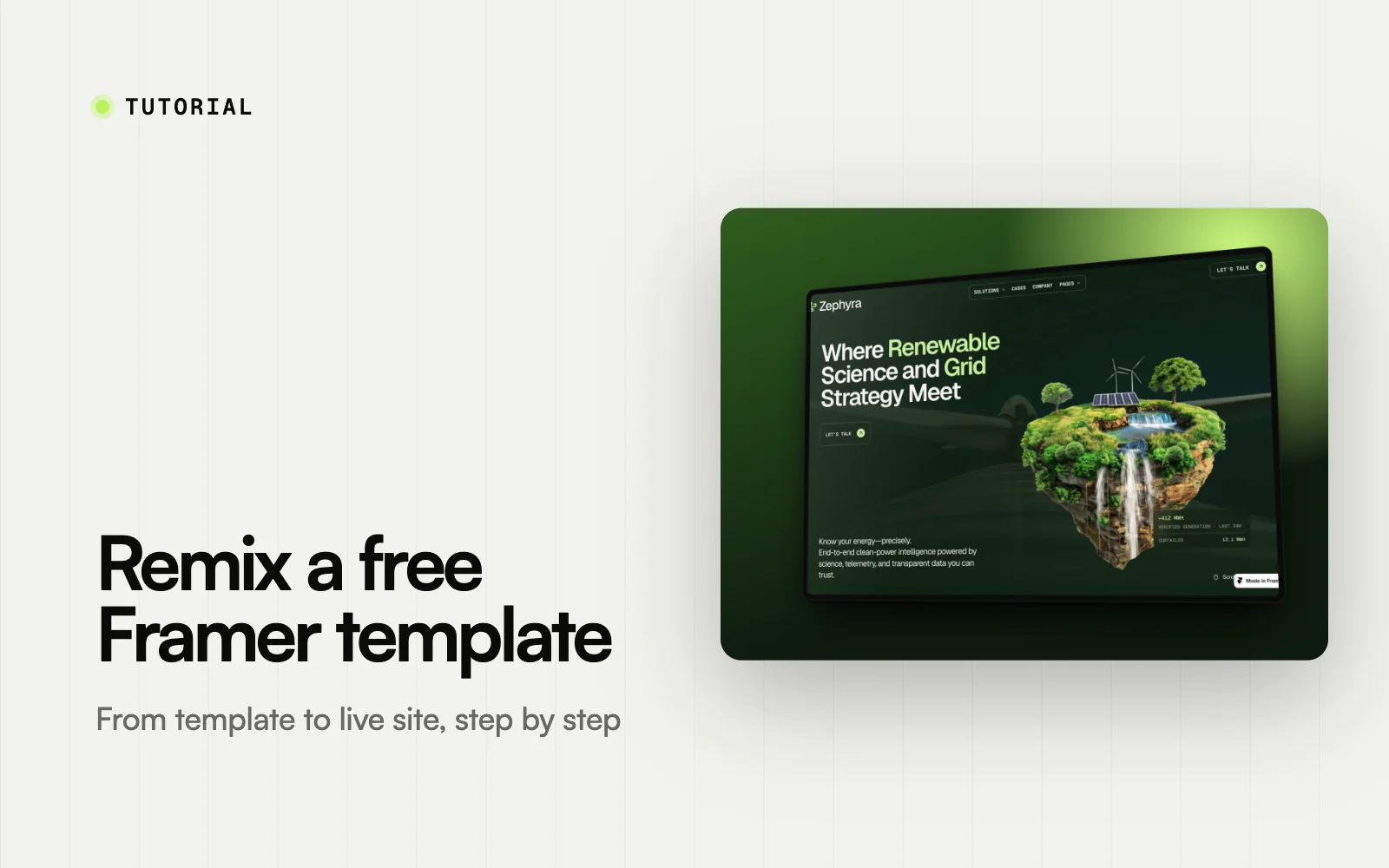
- Zephyra for renewable energy, grid and climate-tech companies
- Avenlo for estate agencies, property consultants and real estate brands
- Cryptor for crypto, Web3, blockchain and SaaS products
Step 2: remix it into your account
On the template’s Framer Marketplace page, click the Remix button. Framer makes a full copy of the project, including every page, component, CMS collection and animation, and opens it in the editor. The copy is yours. Changes you make do not affect the original.
Step 3: set your brand styles first
Before touching any text, update the shared styles. Good templates use colour and text styles throughout, so changing a style once updates every page.
- Open the Assets panel and find the colour styles. Replace the brand colours with yours.
- Update the text styles to your fonts. Framer includes Google Fonts, and you can upload your own.
- Replace the logo in the navigation and footer. In most templates these are components, so you only change them once.
Step 4: replace the content page by page
Work through the site in order, starting with the homepage.
- Replace headings and paragraphs with your own words. Keep headings short so they fit on phones.
- Swap images by selecting them and choosing a new file in the right-hand panel.
- Update CMS content, such as blog posts, listings or projects, in the CMS panel. Delete the sample items once yours are in.
- Remove sections you do not need instead of filling them with placeholder text.
Step 5: check every breakpoint
Framer templates have separate layouts for desktop, tablet and phone. Click through each breakpoint and look for long words that overflow, headings that wrap awkwardly and images that crop badly. Then preview the site in your browser and on your actual phone.
Step 6: set up SEO and forms
- Give every page a title and a description in the page settings. Write them for people, including what you do and where.
- Add a social sharing image so your links look good when shared.
- Check where your contact form sends messages, and send yourself a test.
Step 7: publish
Click Publish in the top-right corner. Your site goes live on a free framer.website address, which you can rename. When you are ready, upgrade to a site plan to connect your own domain.
Common mistakes to avoid
- Editing text before styles. You end up fixing fonts and colours on every page by hand.
- Leaving placeholder content. Sample text and stock photos make a site look unfinished. Delete what you do not need.
- Skipping the phone layout. Many of your visitors will see the mobile version first.
- Forgetting page titles. The default titles do not help anyone find you on Google.
Frequently asked questions
Is remixing a free Framer template really free?
Yes. Remixing a free template and publishing it on a framer.website address costs nothing. You only pay if you want a site plan, for example to connect your own domain.
Can I use a free template for a client or commercial project?
Free marketplace templates can be used for real projects, including commercial ones. Check the license on the template page before reselling or redistributing a template itself, which is not allowed.
Do I need to know how to code?
No. Everything in this guide happens visually in the Framer editor.
What if I want someone to set it up for me?
We can help. Our website design and development services cover everything from small changes to a full custom build. Or send us a message and tell us what you need.