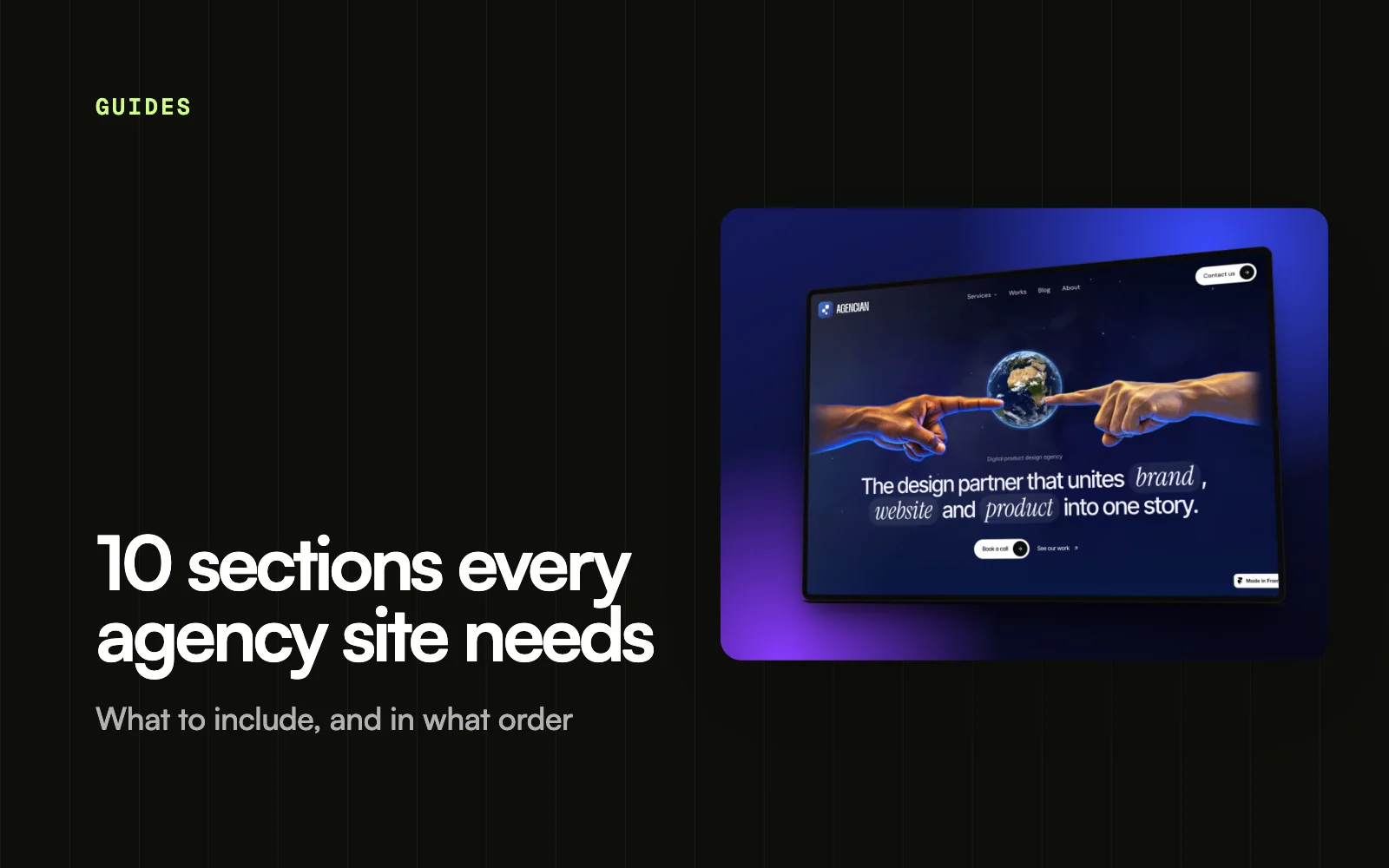
10 sections every agency website needs
The ten sections that turn an agency website into a steady source of enquiries, from a clear hero to case studies, process, pricing hints and a strong call to action.
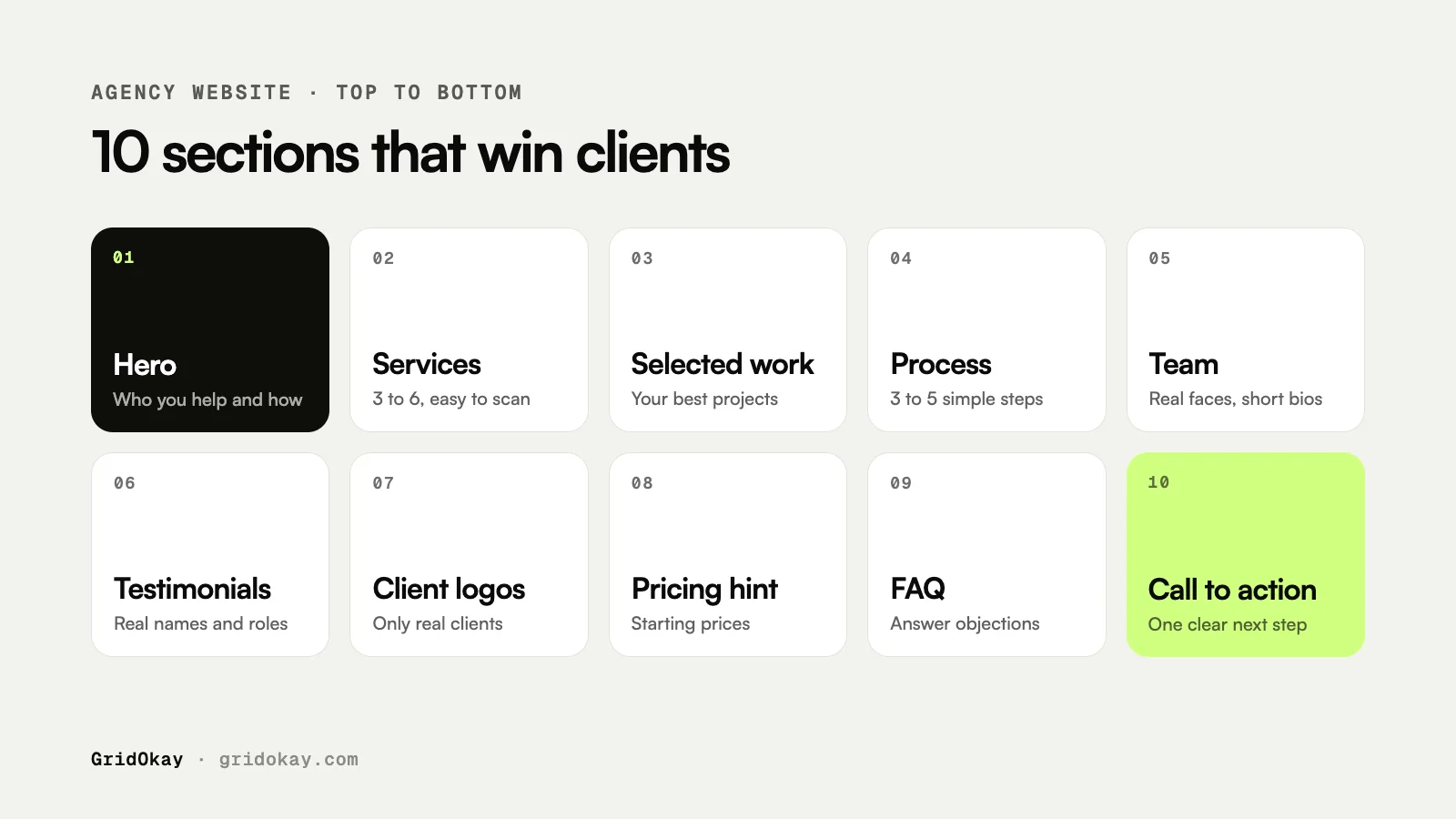
An agency website needs ten sections to win clients: a hero that states who you help and how, your services, selected work, your process, the team, real testimonials, client logos, a pricing hint, an FAQ and a clear call to action. Together they answer the questions every potential client has before they get in touch: can you do this, have you done it before, and what will it be like to work with you?
Below we explain what each section should do, what to put in it and the mistakes that cost agencies enquiries. The same structure works for design studios, marketing agencies, development shops and freelancers who work like a small agency.
What should an agency homepage include?
Here are the ten sections in the order they usually appear on a homepage. You do not need a separate page for each, but your homepage should touch on most of them.
| Section | Its job | Keep it |
|---|---|---|
| 1. Hero | Say who you help and how | One sentence, one button |
| 2. Services | Show what you offer | 3 to 6 clear services |
| 3. Selected work | Prove you can deliver | Your best 3 to 6 projects |
| 4. Process | Make working with you feel easy | 3 to 5 steps |
| 5. Team | Show the people behind the work | Real photos, short bios |
| 6. Testimonials | Let clients speak for you | Real names and roles |
| 7. Client logos | Build instant trust | Only clients you worked for |
| 8. Pricing hint | Filter out poor fits | Starting prices or ranges |
| 9. FAQ | Answer objections early | 4 to 8 questions |
| 10. Call to action | Turn interest into an enquiry | One clear next step |
1. A hero that states your positioning
The hero is the first thing visitors read, so it should say who you help and what result you deliver. “Brand and web design for B2B software companies” works far better than “We craft digital experiences”. Add one short supporting line and one main button, such as “Start a project”.
2. Services that are easy to scan
List three to six services with a one-line description each. Use the words your clients use. If you offer packages, name them clearly and link each one to its own page with more detail.
3. Selected work and case studies
Your work is the strongest proof you have. Show a small number of your best projects rather than everything you have ever made. A good case study covers:
- The client and their problem.
- What you did and why.
- The outcome, with real numbers only if the client has agreed to share them.
- A few strong images.
4. A simple process
Clients worry about the unknown. A short process section, such as discovery, design, build and launch, shows them what happens after they get in touch. Mention roughly how long each stage takes if you can.
5. The team
People hire people. Show real photos and a short line about each person’s role. A small, honest team section often builds more trust than a vague “global team of experts”.
6. Testimonials from real clients
Use short quotes from real clients with their name, role and company, and a photo if they agree. Never invent or edit testimonials to say something the client did not say. Two or three specific quotes are better than ten generic ones.
7. Client logos
A row of logos gives instant credibility, but only include companies you have actually worked with. If you are just starting out, leave this section out until you have real logos to show.
8. A pricing hint
You do not need a full price list, but a starting price or typical range saves everyone time. It helps good-fit clients feel confident to reach out and gently filters out those with a very different budget. For context on typical prices, see how much a website costs in 2026.
9. An FAQ that handles objections
Answer the questions clients ask on every call: how long projects take, what you need from them, how payment works, whether you offer support after launch. Each answer removes a reason to hesitate.
10. A clear call to action
End the page with one strong invitation to get in touch, repeated from the hero. Keep the contact form short, say how quickly you reply, and offer an email address as an alternative.
Common mistakes on agency websites
- Vague positioning. If you help everyone, you stand out to no one.
- Too much work on show. Ten average projects hide your three great ones.
- No prices at all. Visitors often assume you are too expensive and leave.
- Hard-to-find contact details. Put a contact button in the navigation on every page.
- Slow pages. Heavy videos and huge images make a poor first impression.
Frequently asked questions
How many pages does an agency website need?
Most agencies need a homepage, services, work or case studies, about, and contact. A blog and individual service pages help with search. Our checklist of pages every small business website needs covers the basics.
Should an agency show prices on its website?
A starting price or typical range is usually enough. It sets expectations without locking you into a fixed price for every project.
Can I use a template for an agency website?
Yes. A template built for agencies already has these sections designed, so you can focus on your content. Read our comparison of templates and custom websites to decide which suits you.
Does GridOkay have an agency template?
Yes. Agencian Studio is our Framer template for agencies and studios, so you can start from a finished design and add your own content. If you would rather have a custom design, see our services.