Framer vs WordPress for small businesses: an honest comparison
Framer and WordPress compared on ease of use, design, plugins, security, hosting, cost and SEO, with a clear guide to which one suits your business.
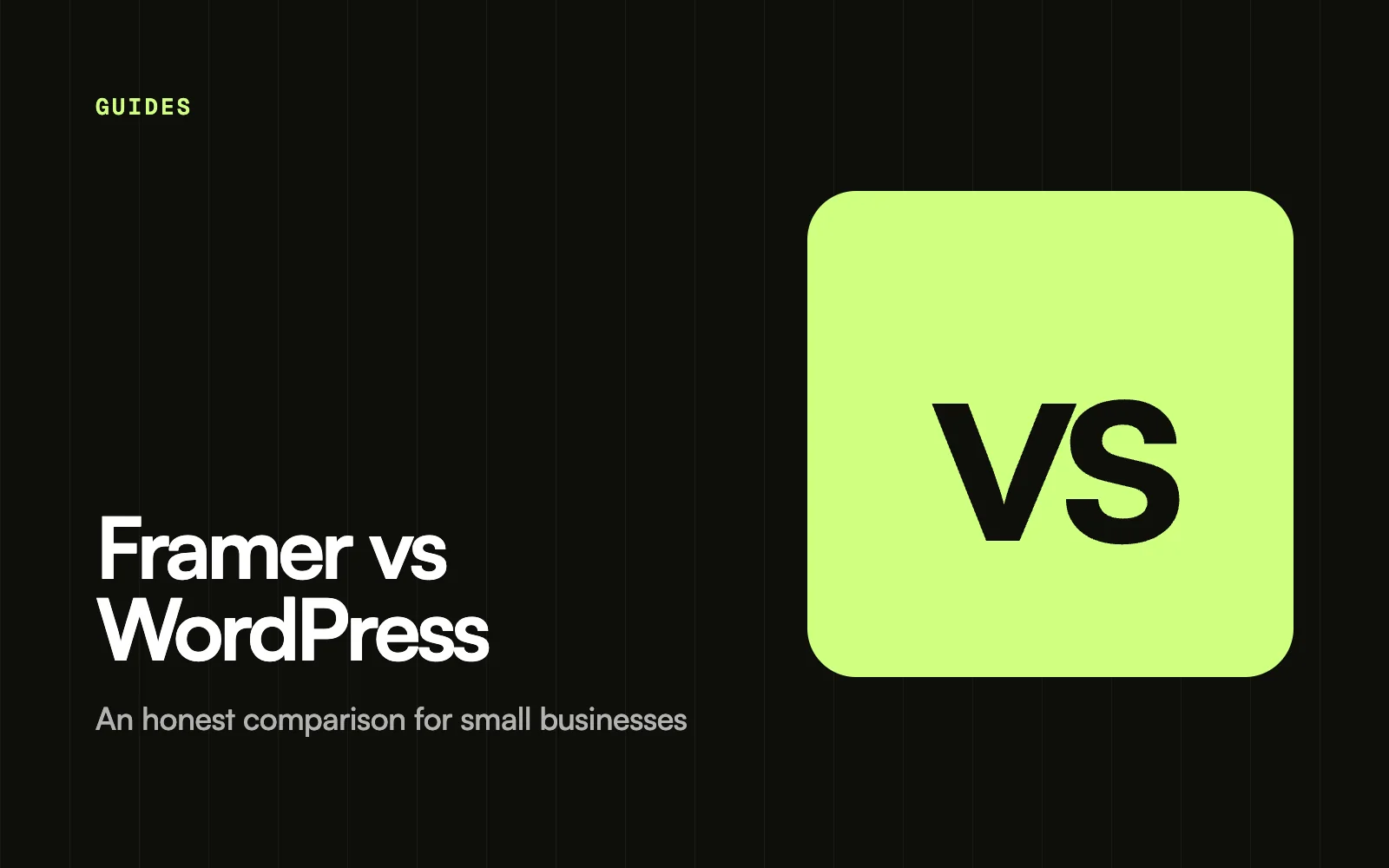
Choose Framer if you want a modern, fast marketing website that you can edit visually, with hosting and security handled for you. Choose WordPress if you need a large online shop, very specific plugins, or full control over your code and server. For most small business websites with 5 to 20 pages and a blog, Framer is quicker to launch and easier to keep running.
Both can produce a professional, search-friendly website. This guide compares them on the points that matter to small businesses: ease of use, design, features, security, cost and SEO.
Framer vs WordPress at a glance
| Framer | WordPress | |
|---|---|---|
| What it is | Visual website builder with hosting included | Open-source software you install on your own hosting |
| Ease of editing | Edit directly on the page | Dashboard and editor, depends on your theme |
| Design freedom | High, layouts and animations built visually | High with the right theme or a developer |
| Features | Built-in CMS, forms, localisation, SEO settings | Tens of thousands of plugins |
| Hosting and security | Handled by Framer | Your responsibility or your host’s |
| Online shops | Not built for large stores | Strong, mainly through WooCommerce |
| Ongoing upkeep | Low | Regular core, theme and plugin updates |
| Best for | Marketing sites, portfolios, startups, agencies | Large shops, complex sites, custom functionality |
Which is easier to use?
Framer works like a design tool. You click on a heading, change the text and publish. There is no separate dashboard or theme to learn, and what you see in the editor is what goes live.
WordPress uses a dashboard and a block editor. It is easy enough for writing posts, but changing layouts often depends on your theme or page builder plugin, and each one works differently. Many owners end up asking a developer for changes they could make themselves in Framer.
Which gives you more design freedom?
Both are flexible, in different ways. Framer gives you visual control over layout, spacing, responsive breakpoints and animations without code. WordPress gives you almost unlimited freedom if you, or a developer, can write code, but without code you are limited by your theme.
If you want a distinctive, modern look without hiring a developer, Framer is usually the easier route. Starting from a template designed for your industry gets you there even faster. You can browse ours on the templates page.
Plugins and features
This is where WordPress is strongest. Its plugin directory covers almost anything: bookings, memberships, courses, forums, multilingual sites and full e-commerce. If you need an unusual feature, there is probably a plugin for it.
Framer includes the features most marketing sites need out of the box: a CMS for blogs and listings, forms, SEO settings, localisation and analytics. For other features you typically embed a third-party tool, such as a booking widget or a store. If your business depends on a large online shop, WordPress with WooCommerce, or a dedicated shop platform, is usually the better fit.
Security, hosting and maintenance
Framer hosts your site for you, including the SSL certificate and content delivery. There are no plugins to update, so there is little technical upkeep.
WordPress itself is free, but you need hosting, and someone has to keep WordPress, the theme and every plugin up to date. Outdated plugins are a common way WordPress sites get hacked or break. Good managed hosting helps, but it adds to the cost. Our guide to website maintenance explains what this work involves.
How much do they cost?
Platform prices change, so check current pricing on Framer and with your chosen WordPress host. In general:
- Framer: free to build and publish on a framer.website address. Paid site plans add a custom domain, more pages, more CMS items and more bandwidth.
- WordPress: the software from WordPress.org is free. You pay for hosting and a domain, and often for a premium theme and paid plugins.
A small WordPress site can be cheap to run, but costs grow as you add paid plugins and better hosting. For a wider look at total costs, see how much a website costs in 2026.
Which is better for SEO?
Neither platform will rank you on its own. Rankings depend on your content, structure, speed and links. Framer produces fast pages and gives you page titles, descriptions, CMS SEO fields, redirects and an automatic sitemap. WordPress usually relies on an SEO plugin for the same settings.
Either way, the work you do matters most. Our Framer SEO checklist walks through every setting to get right.
Who should choose which?
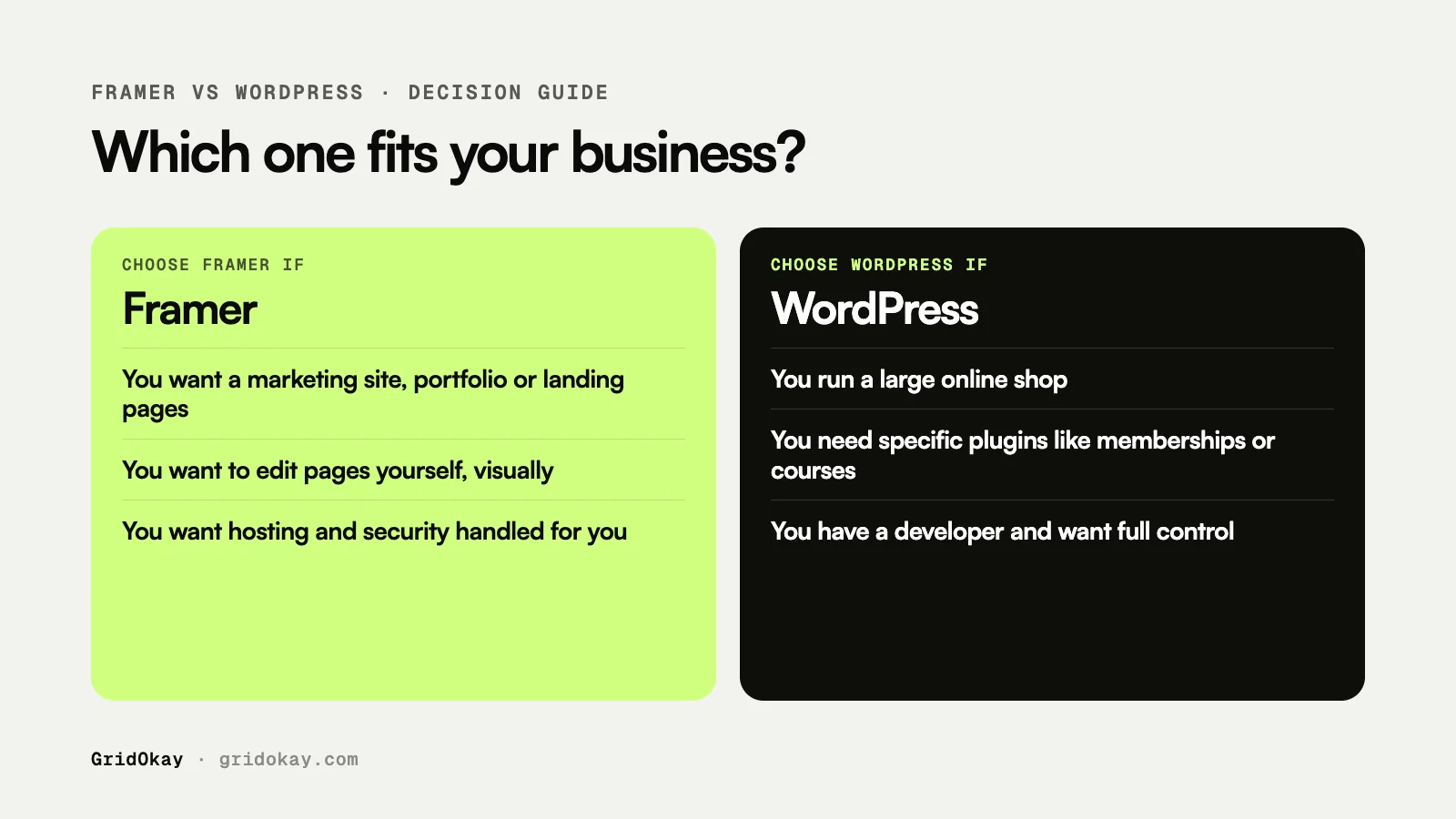
Choose Framer if:
- You want a marketing website, portfolio or landing pages.
- You want to edit pages yourself without a developer.
- You care about modern design and smooth animations.
- You do not want to manage hosting, updates or security.
Choose WordPress if:
- You run, or plan to run, a large online shop.
- You need specific plugins such as memberships, courses or forums.
- You have a developer, or want full control over code and hosting.
Frequently asked questions
Can I move from WordPress to Framer?
Yes. You rebuild the design in Framer and import your blog posts into the Framer CMS, for example from a CSV file. Set up redirects from your old URLs so you keep your search rankings.
Is Framer good for blogs?
Yes. The Framer CMS handles blogs well, with fields for content, images, categories and SEO. Very large publications with many authors and complex workflows may prefer WordPress.
Is WordPress free?
The software is free and open source. Running a site is not: you pay for hosting and a domain, and often for themes and plugins.
Can GridOkay help me build a Framer website?
Yes. We design and build Framer and Webflow websites, starting from $799 for design and $999 for development, and we also make ready-made Framer templates. See our services.