What does website maintenance include, and do you need it?
What website maintenance actually covers, from content updates and backups to security, speed and SEO checks, what it typically costs, and when you can handle it yourself.
Website maintenance is the regular work that keeps a website accurate, secure, fast and visible in search: updating content, fixing broken things, checking backups, applying updates, testing speed and reviewing SEO. Most small business sites need a few hours of it each month. You can do it yourself, or pay for a plan, which typically costs somewhere between $50 and $500 a month depending on what is included.
This guide explains what maintenance includes, how the platform you use changes the workload, what it typically costs, and how to decide between doing it yourself and hiring help.
What does website maintenance include?
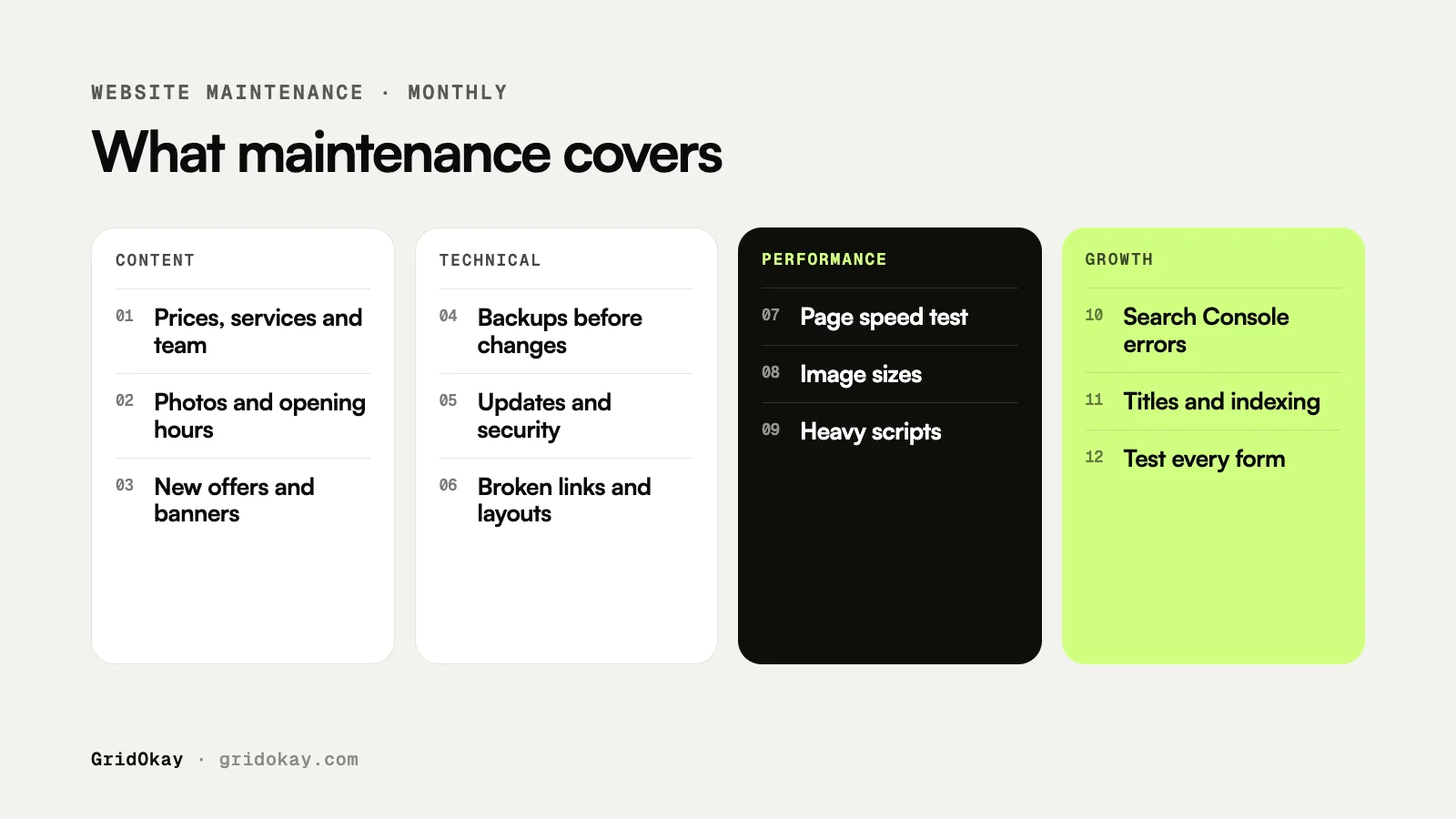
Maintenance is not one task. It is a set of small, regular checks that stop problems from building up.
| Task | What it means | How often |
|---|---|---|
| Content updates | New services, prices, team members, photos, opening hours | As things change |
| Fixes | Broken links, layout issues, forms that stop sending | Monthly check |
| Backups | A saved copy of the site you can restore | Before every big change |
| Security and updates | Software, plugin and certificate updates | Monthly, or weekly on WordPress |
| Speed checks | Image sizes, slow pages, heavy scripts | Monthly |
| SEO checks | Page titles, indexing, errors in Google Search Console | Monthly |
| Form and lead testing | Send a test enquiry and confirm it arrives | Monthly |
| Small design changes | New sections, banners, seasonal offers | As needed |
Does your platform change how much maintenance you need?
Yes, a lot. Where your website is built decides who handles the technical side.
- Hosted builders like Framer and Webflow. The platform runs the hosting, servers and SSL certificate for you. There are no plugins to update, so the technical workload is small. Maintenance is mostly content, SEO, speed and design.
- Self-hosted WordPress. You or your host are responsible for updating WordPress itself, your theme and every plugin. Skipping updates is one of the most common causes of hacked or broken WordPress sites, so these sites need more regular attention.
- Custom-coded sites. Every change needs a developer, so even small content edits become maintenance tasks.
This is one reason many small businesses choose a hosted builder. If you are still deciding, our comparison of templates and custom websites is a good place to start.
How much does website maintenance cost?
Prices vary widely, so treat these as typical ranges rather than fixed rates.
- Do it yourself: $0 in fees, plus a few hours of your time each month.
- Pay per task: a freelancer charges by the hour or by the job, which suits sites that rarely change.
- Basic monthly plan: typically $50 to $150 a month for updates, backups and small fixes.
- Full monthly plan: typically $150 to $500 a month, adding design changes, SEO checks, speed work and reporting.
Your hosting, domain and platform subscription are usually separate. For the full picture of yearly costs, see how much a website costs in 2026.
What happens if you skip maintenance?
Nothing dramatic on day one. The problems arrive slowly.
- Old prices, services or staff stay on the site and confuse customers.
- A contact form quietly stops working and enquiries go missing.
- Pages get slower as large images and extra scripts pile up.
- Search rankings slip because of broken links, missing titles or pages Google cannot index.
- On WordPress, outdated plugins can open security holes.
A broken contact form is the costliest of these, because you only find out when someone tells you they could not reach you.
Can you maintain a website yourself?
Often, yes. If your site is on Framer or Webflow and you are comfortable editing text and images, a simple monthly routine covers most of it:
- Read every main page and update anything out of date.
- Send a test message through every form.
- Run your homepage through PageSpeed Insights and fix any large images.
- Check Google Search Console for errors and pages that are not indexed.
- Click through the menu and footer links on your phone.
Our Framer SEO checklist explains the SEO settings worth checking along the way.
When is a maintenance plan worth it?
A plan makes sense when your time is worth more than the fee, or when the website matters too much to leave unchecked.
- Your website is a main source of leads or sales.
- You change content, offers or prices often.
- You do not have the time or confidence to edit the site yourself.
- Your site runs on WordPress with many plugins.
- You want someone to notice problems before your customers do.
If none of these apply, a monthly do-it-yourself routine is usually enough.
Frequently asked questions
How often should a website be maintained?
A quick check once a month suits most small business sites. Update content whenever something changes, and back up before any big edit. WordPress sites with many plugins benefit from weekly update checks.
Is hosting the same as maintenance?
No. Hosting keeps your site online. Maintenance keeps it accurate, working and visible in search. Some plans bundle both, so check what is included.
Do Framer and Webflow sites need maintenance?
Less technical maintenance, because the platform handles hosting, servers and security certificates. You still need to keep content current, test forms, check speed and review SEO.
Does GridOkay offer website maintenance?
Yes. Our website maintenance plans start at $199 a month for Framer and Webflow sites, and every plan starts with a fixed quote. See our services or get in touch.